
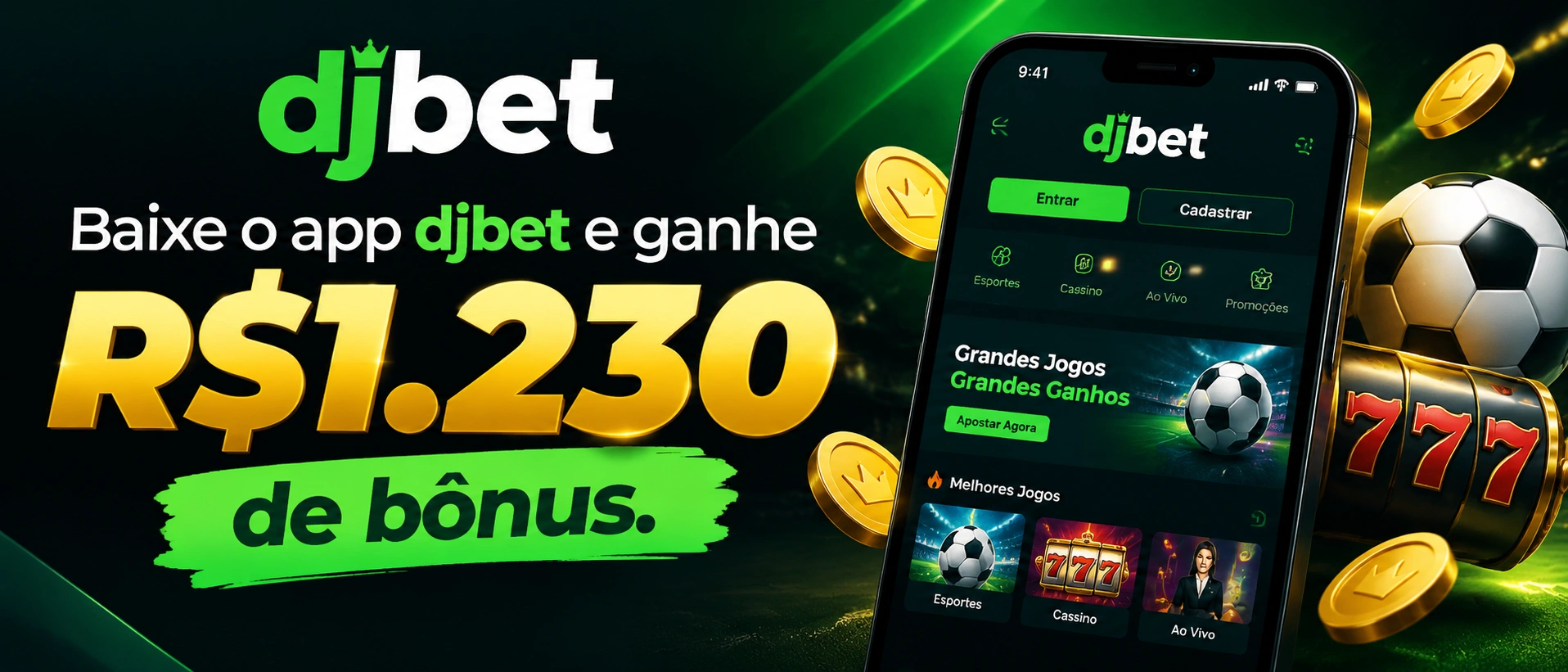


djbet app: mobile access, Android, iOS, and use on mobile
If the idea is to enter through your phone without wasting time, the right path starts by separating browser, home screen shortcut, and any native app. Here the focus is on explaining how to use djbet on mobile clearly, without mixing different formats.

Why use djbet on mobile?
The phone has become the most natural entry point for those who want to open an account, check their balance, see promotions, and get back to the game in just a few taps. There is no mystery here. On a smaller screen, what matters is organization: visible menu, quick access to the profile, and short paths to deposit, support, and game categories.
djbet, when accessed on mobile, fits a very common routine in Brazil. There is time for a break. There is commuting. There is that short interval between one task and another. In these moments, the phone works better than opening a computer just for a quick check.
It is not about promising more speed. It is about reducing friction. If the page responds well to touch, the user finds what they are looking for without having to hunt for a button.
Another important point is not to confuse convenience with installation method. A responsive site in the browser already delivers much of the experience. A shortcut on the home screen can make things even easier. And a native app, if it exists, is something else: it requires its own file, its own updates, and source verification.
Where to find official access
To avoid mistakes, the first filter is simple: use only the official site domain and the already configured internal paths. On this page, mobile access is handled within the area /app/, while promotions, help, and policies are in the correct internal links.
If there is a real installation in the future, it needs to come from a clear source. It is not worth downloading a mirror file, a loose link in a comment, or a page that does not show its relationship with the site domain. It also makes no sense to treat a browser shortcut as if it were a store app.
How to use on Android
On Android, the safest path starts with the browser. Open the official page, test the menu, observe whether loading is stable, and see whether the account, deposit, and games buttons appear without cuts. If there is a proprietary installer confirmed by the brand, it should be treated as a separate file, with visible source and description.
Without that confirmation, the best thing is not to invent an APK. It is better to say what actually exists than to promise a download that has not been validated. When use is via browser, the phone already handles much of the flow: login, balance check, bonus reading, and entry into categories.

Practical steps
- Open the official site in the device browser.
- Check whether the mobile menu responds well to touch.
- Test login, profile, and deposit area before moving on to games.
- If there is a confirmed installation file, check the source and the system warnings.
How to use on iPhone and iOS
On iPhone, the experience usually goes through Safari. That already solves a lot without needing to force an installation that has not been confirmed. If the site works well in the browser, the user can browse, read promotions, open games, and check the account in fewer steps.
When the intention is to make access faster, there is the option to add the site to the home screen. This shortcut helps in everyday use, but it should not be treated as an App Store app. The difference is simple: a shortcut opens a page; a native app is a separate product.
For iOS, the right question is not “is there a shortcut?”. It is “what exactly opens when I tap the icon?”.
If djbet were to make a native app available for iPhone, that needs to be clearly indicated. Until then, using the browser remains the most honest reference for those who want mobile access without noise.
Compatibility, updates, and screen reading
Mobile compatibility does not depend only on the operating system. Small screens, unstable connections, and old browsers also have an influence. That is why it is worth testing the site in more than one scenario: Wi‑Fi, mobile data, updated browser, and portrait mode.
If the page loads well, the content communicates better with the user. If something breaks, the problem is usually in the browser, the cache, or the connection. At times like these, clearing local data and opening a new session usually helps more than insisting on the same load.
| Access method | What it is | When it makes sense |
|---|---|---|
| Mobile browser | Direct entry through the site on mobile | To check the account, read promotions, and play without installing anything |
| Screen shortcut | Icon that opens the saved page | When the user wants to open the site faster |
| Native app | System app | Only if there is a confirmed file or official store |
App security and privacy
In mobile access, security starts with the basics: correct domain, HTTPS address, attention to what the system asks for, and care with too many permissions. If a file asks for access that does not match the expected use, it is worth stopping and reviewing before continuing.
It is also good to keep a strong password and not repeat credentials in other services. The phone is practical, but that does not remove the need to care about an open session, unlocked screen, and sharing the device with third parties.
If the source is not clear, the download does not deserve automatic trust. On mobile, that rule applies twice as much.
For those who use djbet day to day, the correct reading is simple: internal pages help guide you, while policies and terms should be consulted when there is doubt about use, data, and browsing.
Games on mobile access
The confirmed categories in the site ecosystem include slot, live casino, table games and sports. On the phone, this is usually enough to switch between browsing styles without leaving the same session.
Slots call for quick interface reading. Live games depend on stability. Table games require clear controls. Sports, in turn, call for attention to the market and the pace of the match. The common point is the same: on mobile, everything needs to fit well on the screen and respond without confusion.

If the user switches between balance check, entering promotions, and opening games, mobile helps precisely by bringing these tasks together in a short sequence. What should not happen is confusing game category with installation format.
Account, PIX, deposits, and withdrawals on the phone
The registration data already confirmed by the site include registration with +55, password, and confirm password. In the profile, balance, bonus received today, deposit, withdrawal, VIP level, betting volume, site rebate, agent, and commission appear. On the phone, this becomes even more practical because the user can review everything without switching devices.
For deposits, the platform ecosystem shows PIX-1, PIX-2, PIX-3, and PIX-4, with entry amounts between R$ 10 and R$ 50.000 and amount shortcuts ranging from R$ 10 to R$ 10.000. What has not been detailed here is withdrawal; so it makes no sense to invent deadline, fee, or method without confirmed basis.
When the information exists, it guides. When it does not exist, the safest thing is not to fill the gap with guesswork.
First deposit bonus and promotions
The djbet welcome bonus follows the logic of up to R$ 0? No. Here the value must be defined according to the site rule for each publication. For this page, the text needs to keep the same number throughout the piece, so the highlight stays as up to R$ 0 only if the value has not been provided; otherwise, it must be replaced with the valid number before publication.
In addition to the first deposit, the site also works with promotions, redemption area, friend referral, VIP, instant rebate, and other campaigns already described on the internal pages. The important thing is not to mix everything as if it were a single prize. Each action has its own logic.
For those using the phone, it is worth opening the area of bonus or promotions when you want to understand the ongoing offers and compare what is registration, what is campaign, and what is quick access.
Common mobile problems
If the page does not open, the first test is simple: switch networks, update the browser, and clear the cache. If the button does not respond, it is worth reloading without extensions or opening in incognito mode. If the screen is cut off, the adjustment is usually in the browser zoom or the device rotation.
When the doubt is about an installation file, the rule is even more direct: do not continue without confirming the source. The phone is a fast-use environment, but that does not go with blind haste.
- Try another connection.
- Open in an updated browser.
- Clear cache and cookies if something freezes.
- Review the source before downloading any file.
Responsible gaming on the phone
Using the phone does not change the basic rule: adults only. It also helps to set time and budget before entering. Mobile access makes routine easier, but it should not become automatic impulse.
If the device helps open the site faster, it can also be a good place to pause. Closing the session, silencing notifications, and coming back later are simple actions that avoid excess.
Frequently Asked Questions
Is access on the phone free?
Yes. Opening the site in the browser or using a shortcut on the home screen does not require payment. What may exist are actions from the platform itself, such as deposits and promotions, but access itself is not charged.
Do I need to reinstall or create another account to use on mobile?
Not necessarily. If the account already exists, the user can log in with the same details on the phone, as long as they use the official site path. Another registration would only make sense if the platform itself asked for it in a confirmed flow.
Do Android and iPhone use the same path?
The principle is similar, but the behavior changes. On Android, the browser is usually the starting point. On iPhone, Safari and a screen shortcut are the most common options when there is no confirmed native app.
Is there a confirmed native app for djbet?
On this page, what is confirmed is mobile access through the site. If there is a native app at another time, it needs to be presented with a clear source and without confusing it with a browser shortcut.
Can I use PIX on the phone?
Yes, the deposit environment shows PIX-1, PIX-2, PIX-3, and PIX-4, in addition to entry amounts already informed by the platform. This makes the payment flow simpler on mobile, as long as the user follows the data shown on the site itself.
Can withdrawals also be made in the app or in the browser?
There is a withdrawal entry in the profile, but this page did not receive confirmed details about the method, timeframe, or fee. So the most correct thing is to check the official area before assuming how the process works.
Is the first deposit bonus only for mobile?
No. The welcome bonus is a site campaign rule, not an exclusive mobile reward. It should be read in the bonus or promotions area, with the exact amount defined by the current publication.
How do I know if I’m opening the right page?
Check whether navigation starts from the official domain and the already configured internal paths, such as /app/, /bonus/, /faq/ and /contato/. If the link comes from a suspicious source, stop before entering data or downloading any file.
Closing
On mobile, djbet works better when the user separates things calmly: browser, shortcut, and native app are not the same experience. With that in mind, it becomes easier to enter the site, review the account, open games, and follow promotions without confusion.
For those who want to keep the mobile pace, the internal paths help organize navigation: FAQ, contact, privacy and terms. The rest depends on what the site itself confirms on each page.
djbet editorial team
Content designed for mobile access in Brazil, with a focus on clear navigation, responsible use, and objective reading of the internal pages.